
Why the smartest media asset migration starts by deciding what not to move, and why the engine underneath matters more than the transfer.
The short answer: a media asset migration no longer requires copying every original file into a new system before anyone can work. In today’s era you can index content where it already lives, move only what has a real reason to move, and prove the result on your own content before you retire anything. What makes that process work is the engine underneath. In Evolphin X, that engine is Core.
Why migrations stall before go-live
I’ve watched this too many times. A team picks a new MAM and everyone is excited. Then comes the migration: months of mass ingest, re-indexing, moving terabytes over unreliable networks and chasing lost files. By go-live the enthusiasm has gone and editors have built workarounds.
The old era insisted everything move into the vendor’s storage first. That made migration the longest, riskiest, and most expensive part of the project, and it’s a big reason buyers have grown wary of this industry.
Decide per collection, not per petabyte
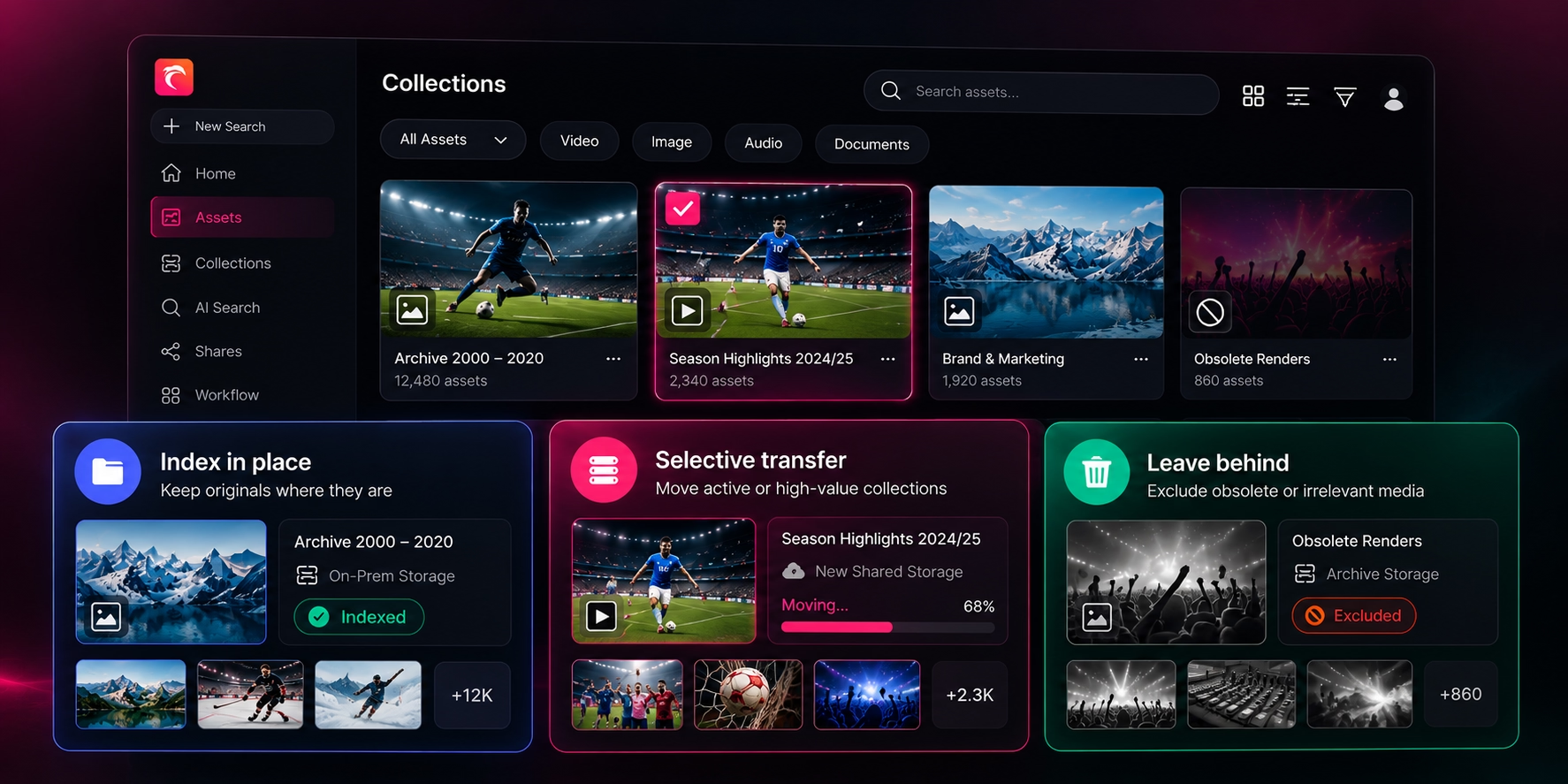
The first question is no longer “how do we move everything?” It is “which media needs to move at all?” Most libraries need a mix of three approaches. Before choosing a transfer strategy, compare how MAM platforms index collections where they already live.
A sports club might index a 20-year archive where it sits, move this season’s highlights to faster shared storage, and keep obsolete renders out of AI processing altogether. Those are design choices, not shortcuts.
A sports club might index a 20-year archive where it sits, move this season’s highlights to faster shared storage, and keep obsolete renders out of AI processing altogether. Those are design choices, not shortcuts.
Where Core comes in
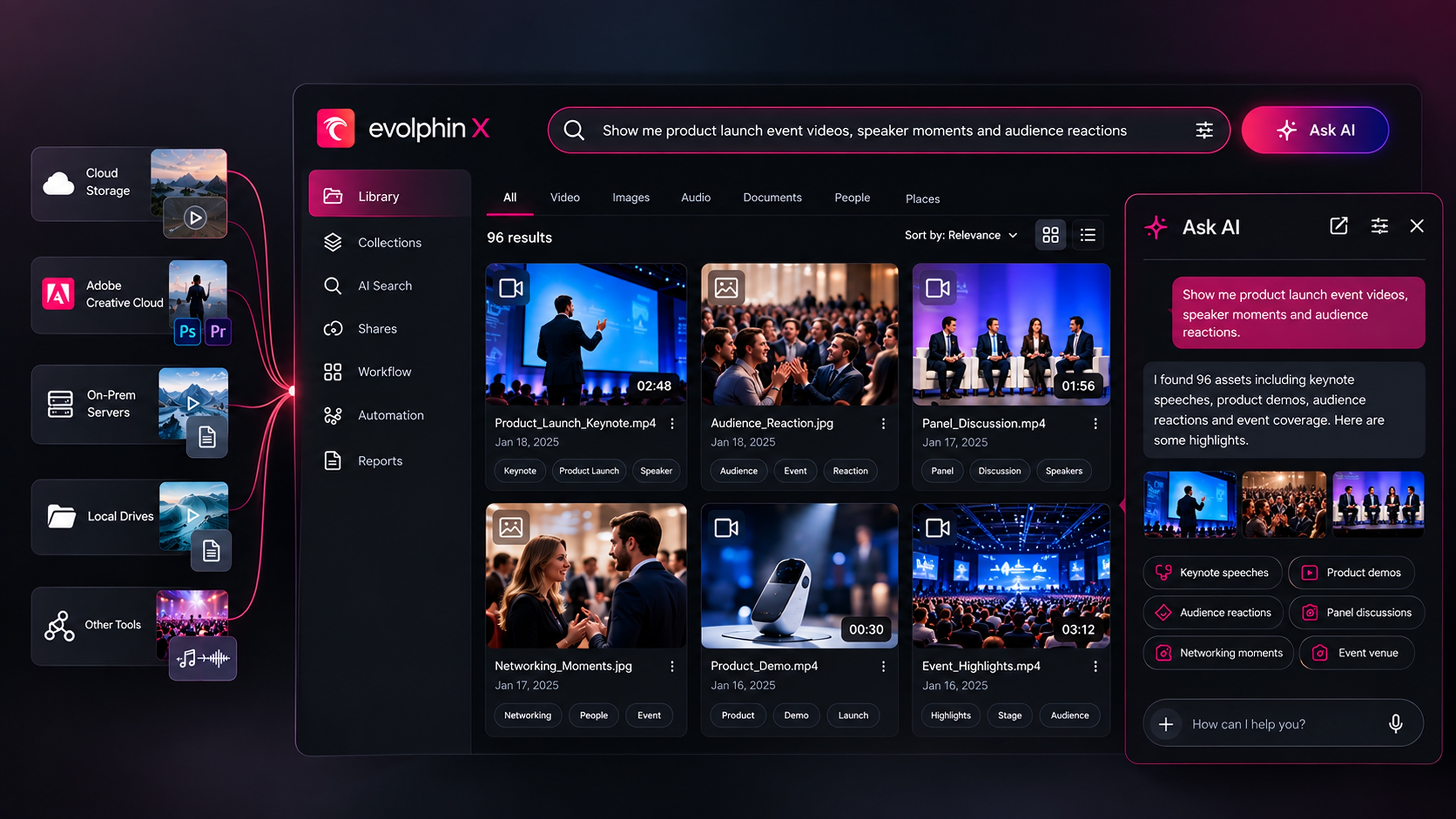
Here’s the part most migration guides skip. Whatever path you choose, something has to hold the library together: every asset’s identity, who can see it, whether the original is intact, where it is located, and what the AI may process.
Core is the engine every Evolphin X deployment runs on. It is not a tier, and it is not optional. No engine, no car. No Core, no MAM. For a migration, it does four jobs.
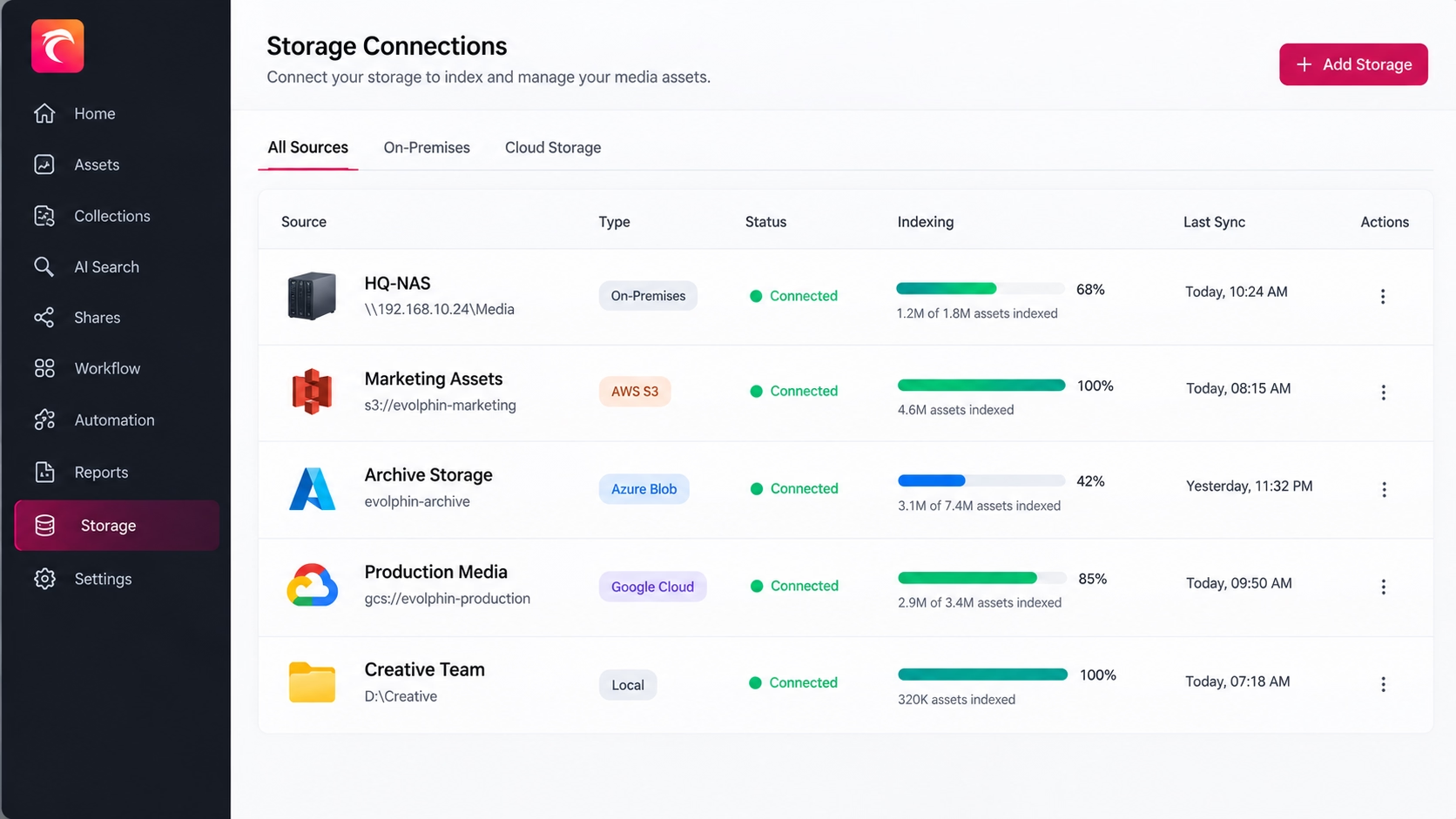
- It indexes in place. Core connects to your storage, cloud or on-premises, and builds the searchable record without copying your originals into our storage. When files change on that storage, Core updates the record. The storage stays yours, and so does the bill.
- It indexes selectively. You choose which files, folders or file types get AI indexing, so you don’t process a whole archive to search one season. AI spend stays predictable. No surprise invoices.
- It carries governance from day one. Access control and data integrity live in Core, they are not add-ons. Restricted footage stays restricted the moment it becomes searchable.
- It is open. Core’s API lets your existing systems and in-house tools work with the same records, without a new integration project.
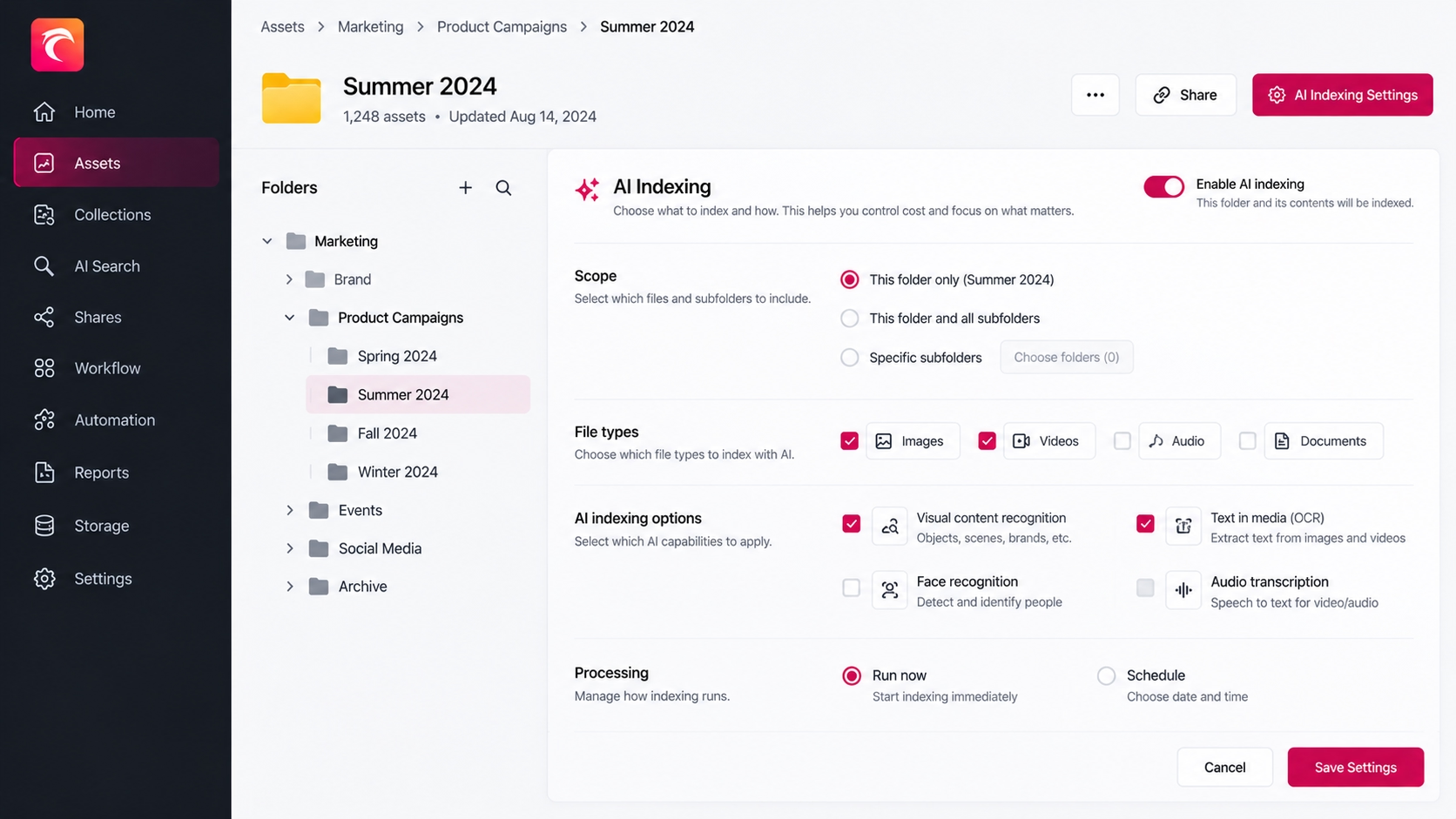
Modules, like our Collaboration module launched on 1 October, expand what’s possible on top. But migration risk lives in Core, so start your evaluation there.
Run a pilot that can fail honestly
Pick a representative slice: a large video master, an image sequence, an edit project with linked media, duplicates, badly named files, a restricted asset and a missing original. Give real editors real tasks, and agree the pass criteria before you start.
Make these pass criteria part of your media asset management requirements, so every vendor is tested against the same needs.
- Search: can people find the right usable asset on the terms they actually use?
- Integrity: are originals unchanged and accounted for?
- Drift: when someone moves or deletes a file outside the MAM, does the record reflect it?
- Editing: can an editor relink a project and finish a job?
- Governance: do restricted assets stay restricted?
- Cost: do you know exactly what will be indexed, processed and charged?
A pilot that finds problems is a good pilot. Better to fix a mapping rule now than after everyone depends on it.
Roll out in waves, and make the governed route the easy route
Start with a collection that helps a real team finish real work, and keep the legacy system until each wave passes. Keep required metadata short and let editors stay in their own tools.
Measure behaviour, not logins. Have people stopped copying footage to desktops and asking colleagues for links? When the easier route is also the governed route, adoption follows. For more on sustaining adoption after rollout, follow these media asset management best practices.
Bring us a representative slice
Send us some media you’d move, some you’d rather leave where it is, and one editor workflow that has to survive the switch. We’ll show you what Core indexes in place, where a transfer still makes sense and what needs fixing before rollout, on your files rather than ours. Email me at brian@evolphin.com.
.avif)