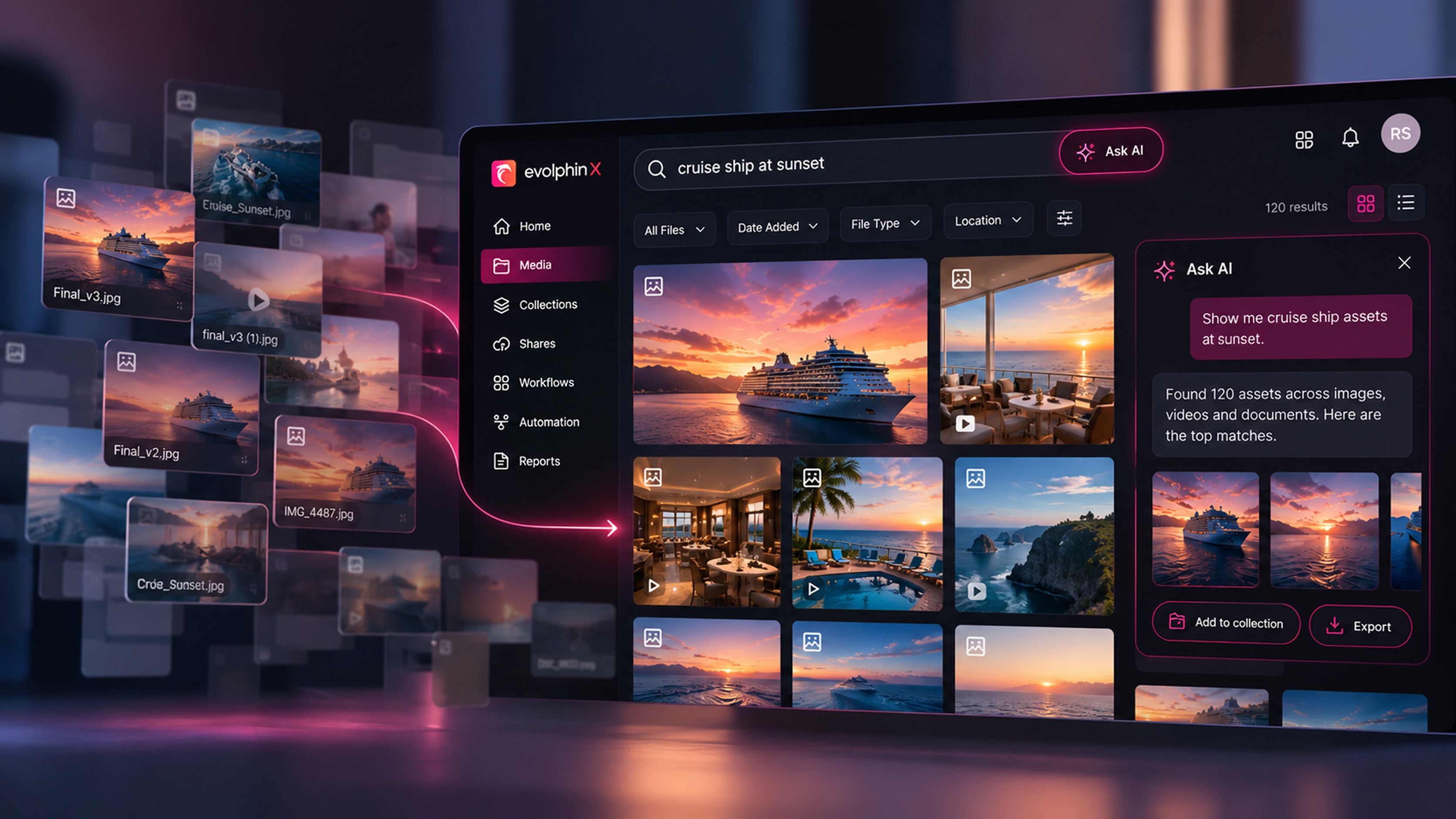
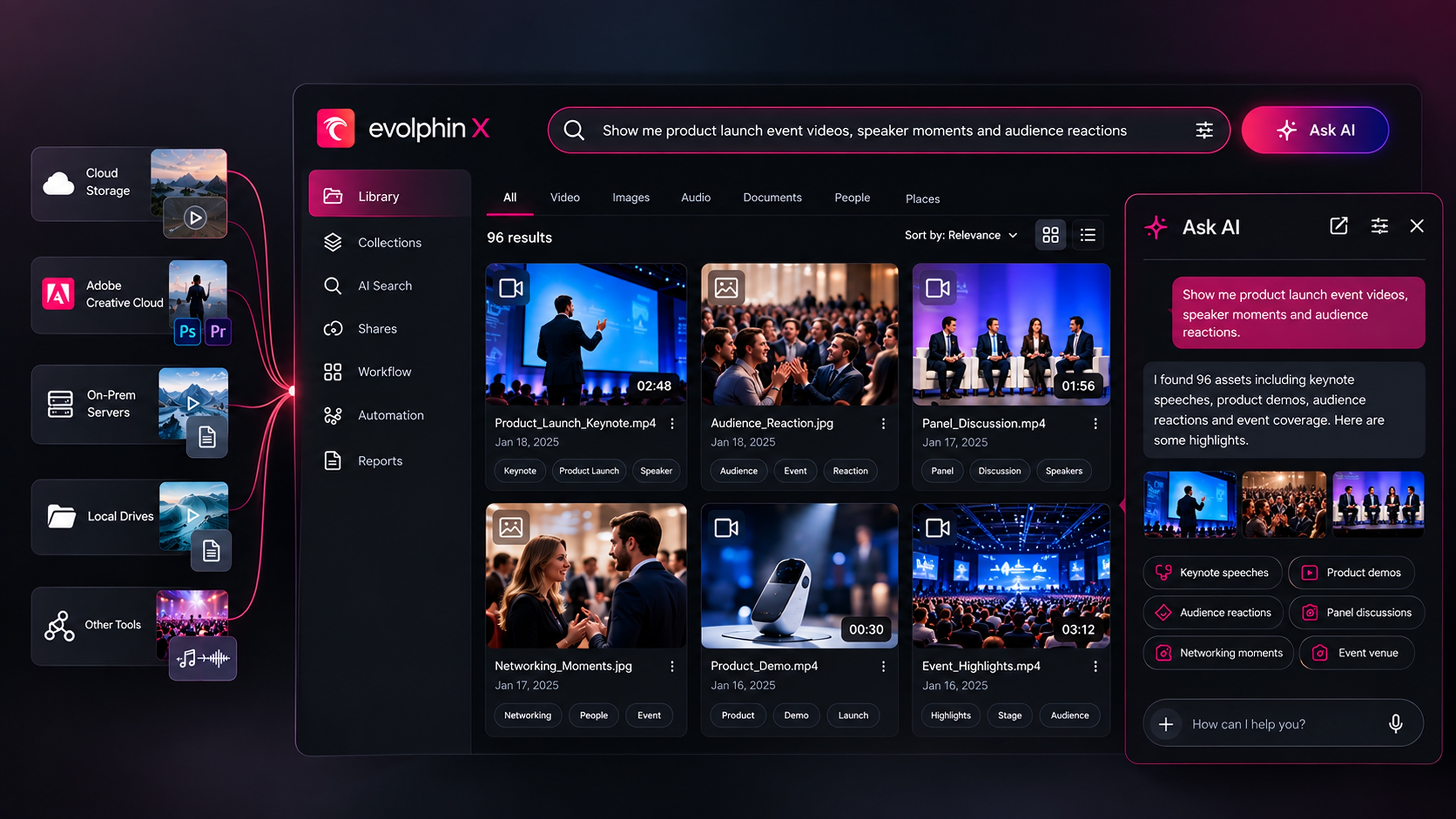
When I first wrote this guide, defining your requirements meant building a long feature checklist. Cloud or on-prem, which file formats, which integrations. Those questions still matter, but the most important ones have changed.
The biggest cost of a MAM was never the software. It was the people needed to feed it and the months needed to fill it. Autonomous MAM changes both, and your requirements should reflect that.
Start with the problem, not the feature list
Before you look at any vendor, write down why you need a MAM and who will use it: editors, media managers, producers, technical supervisors, marketers and executives. Then name the problems in plain language. A historical archive nobody can search. Assets scattered across drives, buckets and desks. Remote teams struggling with access controls, capture and distribution.
For each problem, attach a measure: time spent in post-production, delivery rates, hours lost to manual searching, storage costs. Those become the KPIs you judge every vendor against.
These requirements make it easier to compare media asset management tools by business outcomes instead of feature counts.
Take stock of your library
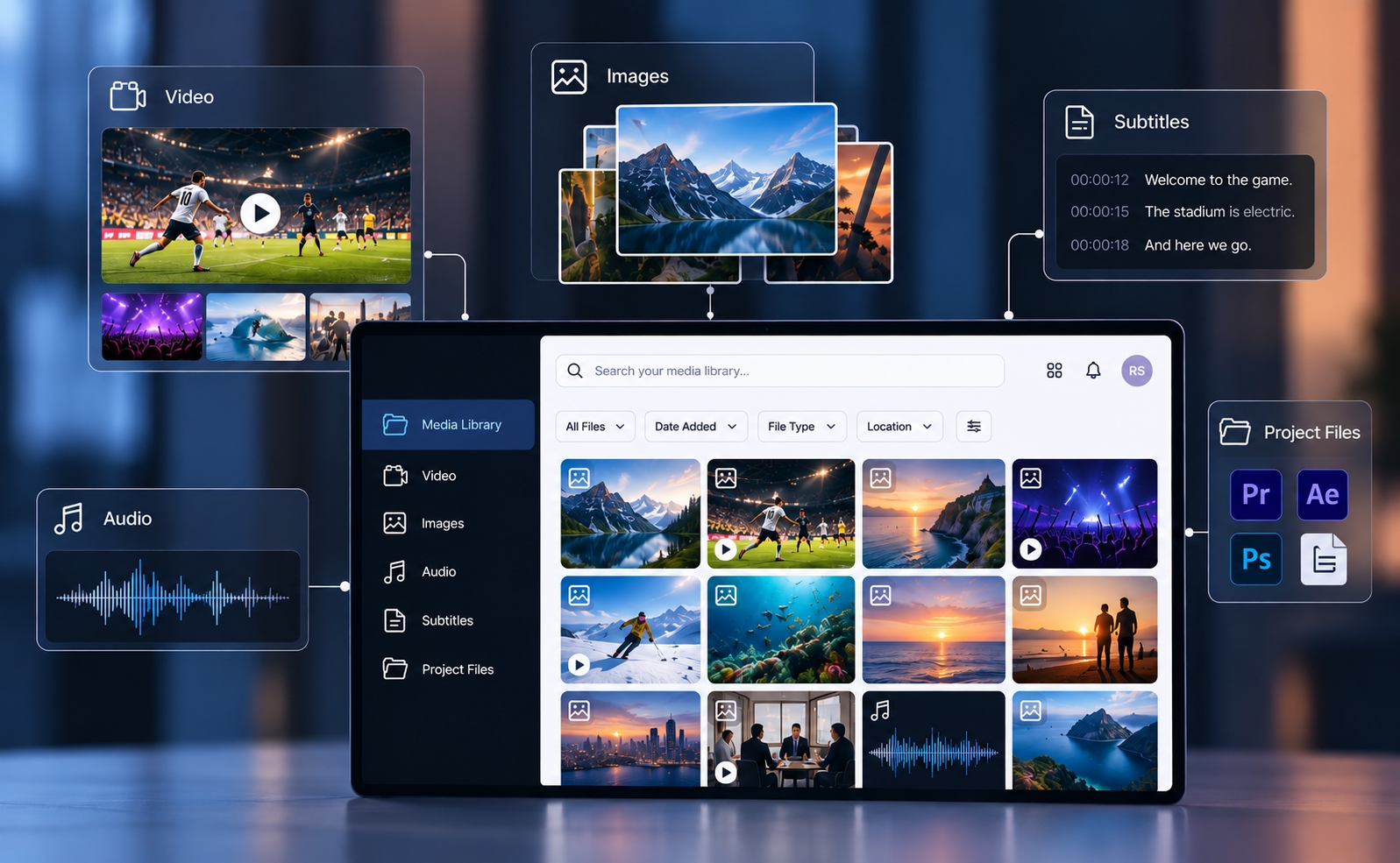
Inventory what you actually have: video (B-roll, finished MP4s, animation), images, audio, subtitles, and project files from tools like Adobe Creative Cloud and Cinema 4D. Record your repository size, average file size, how often new media arrives, and your team’s pain points as short user stories. This part hasn’t changed, and it’s the most useful hour you’ll spend.
If video represents a significant part of your library, document those requirements separately. A video asset management system should support proxies, transcoding, timecode metadata, captions, review and approval, and high-resolution originals without unnecessary duplication. When comparing video asset management software, test these workflows using long-form footage, real project files and your existing storage not a polished vendor demo.
Then ask the questions that matter in 2026
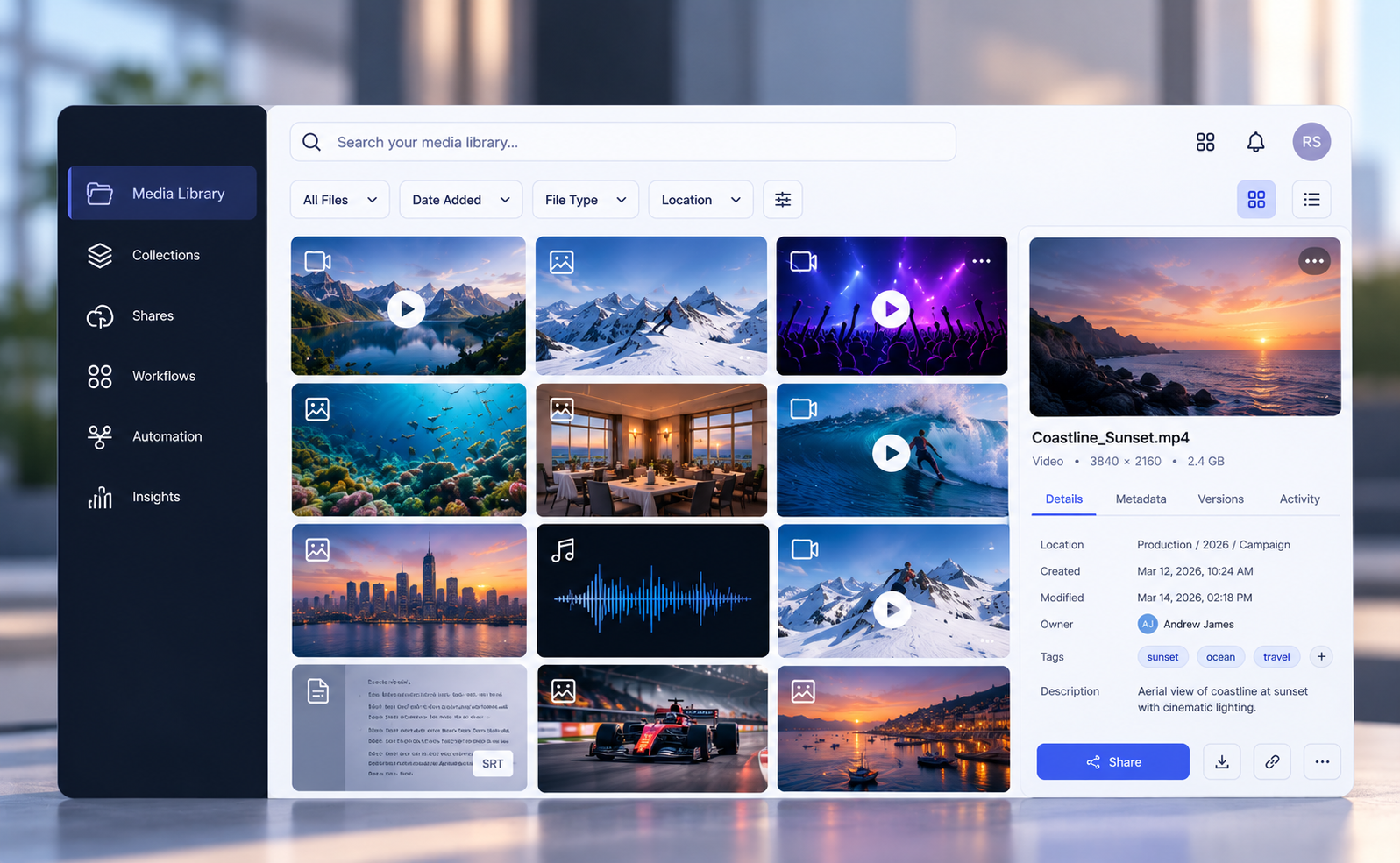
Who maintains it? A traditional MAM only works if a human keeps tagging, filing and versioning. Ask every vendor what happens on the day your team is too busy to do that. An autonomous MAM recognizes, tags, files and tracks versions on its own, with AI built into the foundation rather than added on as a feature.
Do I have to move my content? Mass migration is where most deployments lose momentum. Ask whether the platform can index your content where it already lives, and whether it keeps that index accurate when files change outside the MAM. Look beyond “connect your storage” to reconciliation: reports on missing originals, new unindexed files and access problems. That’s what Index in Place is built to do.
Does it fit how we work? If your creatives live in Adobe, the MAM must be Adobe-native. If your infrastructure is hybrid, and will stay that way, “cloud only” isn’t an answer. The old cloud versus on-prem debate matters less when your content can stay where it is.
Is it open? Any list of integrations goes stale. Ask instead whether there’s a real API, so your other tools can plug in and you’re not waiting on a vendor’s roadmap. Evolphin X is built around an open Core with modules you add when you need them, and it already works with Crop.photo for AI image editing.
Can we start small? Ask whether you can begin with the essentials and add capability at your own pace, without a large capital outlay.
Can we share and monetize? Many teams need to share content securely, and some want to earn from it. Ask whether collaboration and distribution are built in. In Evolphin X, the collaboration modules and portals cover both, so your content can be shared and sold from the same library.
Will people actually use it? Adoption decides whether a MAM succeeds. If the system complements what people already do, they adopt it. If it creates more work, they rebel. Good automation takes the work, meaning the tagging, filing and version-chasing, and leaves judgment, taste and relationships to people. Ask how easy the vendor is to work with, how they’ll train your team, how they will support you for the long term, and how soon will your users see value.
Count the real cost
Start with what your current process costs you in errors, inefficiency and hours lost searching. Then look at the three costs of any deployment: implementation, ongoing SaaS, and customization. Add a fourth that vendors rarely mention: migration.
There’s a fifth cost too: AI indexing. Most solutions are all or nothing. You index everything or nothing, and you pay for it either way. Evolphin X lets you index by file, by file type, or by any subset of your files, so you spend on AI only where it earns its keep. That’s a big saving on large libraries.
Decide up front how you’ll measure ROI, whether that’s cloud savings, operational savings or time handed back to your team.
Choose your vendor by proof
Decide what kind of vendor you need: out of the box, open with customizable APIs, one that works through a system integrator, or a one-stop shop. Be clear on their role in deployment, onboarding and ongoing support.
Run a proper RFP, but keep your stakeholders close to it. Too often an outside consultant runs the process and creates distance between the people who will use the system and the solutions on offer. Call references on your preferred providers before you commit.
Ask for proof at scale, too. Inter Milan FC manages 113 years of club media with Evolphin, an archive with every problem a large historical library can throw at a MAM. That’s the kind of evidence you should expect from any vendor.
Not all media asset management solutions solve the same operational problem. Score every vendor against the same sample library, user stories and measurable requirements. This makes it easier to distinguish a strong product demonstration from a system that will work reliably with your team, infrastructure and media volume.
Above all, test on your own media. A demo on clean sample content proves nothing.
Bring us your messiest media
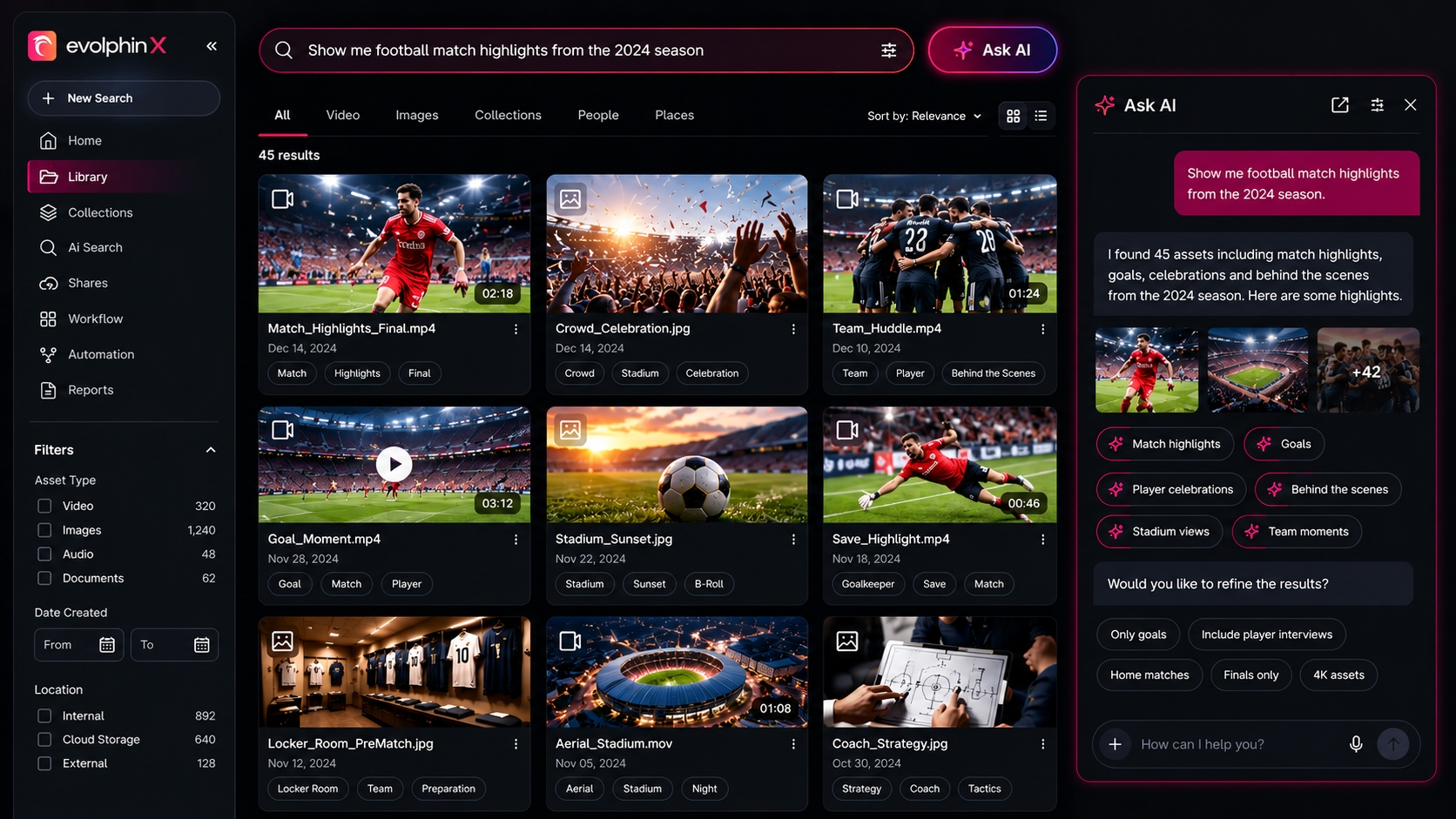
If you’re ready to work out your requirements, send us a sample of your real, messy media and your three hardest searches. We’ll show you what an autonomous MAM does with them, and we’ll tell you plainly where it can’t.

.avif)